Laptop Users
Looking down at a built-in screen strains the neck. Use an external monitor or laptop stand to raise the display to eye level.
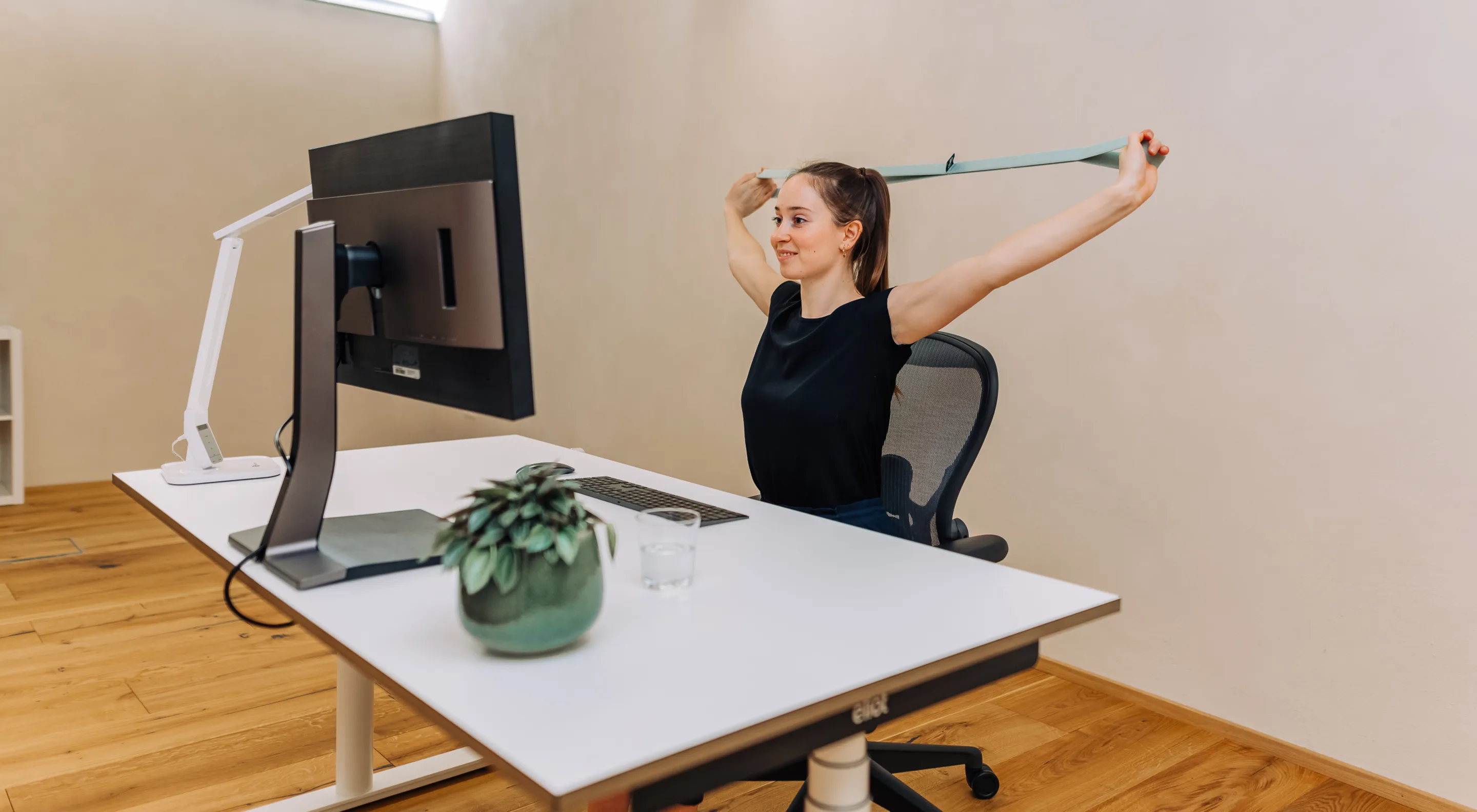
Select a highlighted joint on the figure below. Recommendations appear instantly in the panel on the right.
Tap a joint marker on the body diagram to view ergonomics recommendations and suggested micro-movements for that region.
Common workspace configurations and the issues they tend to create.
Looking down at a built-in screen strains the neck. Use an external monitor or laptop stand to raise the display to eye level.
Constant head turning causes uneven neck load. Centre your primary monitor and position the secondary at a slight angle.
Static standing is as taxing as static sitting. Alternate between positions every 30–45 minutes and wear supportive footwear.
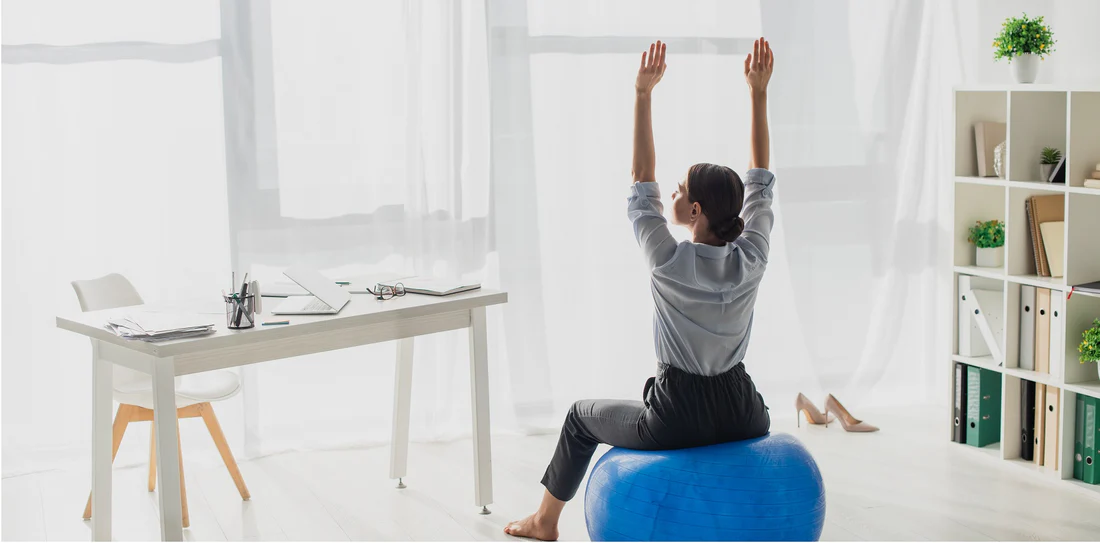
Most desk-related discomfort stems from how equipment is positioned rather than from a single long work session. Small adjustments — monitor height, chair depth, keyboard angle — can reduce strain over time.
Our audit tool connects physical symptoms to practical fixes you can apply immediately without purchasing new equipment.
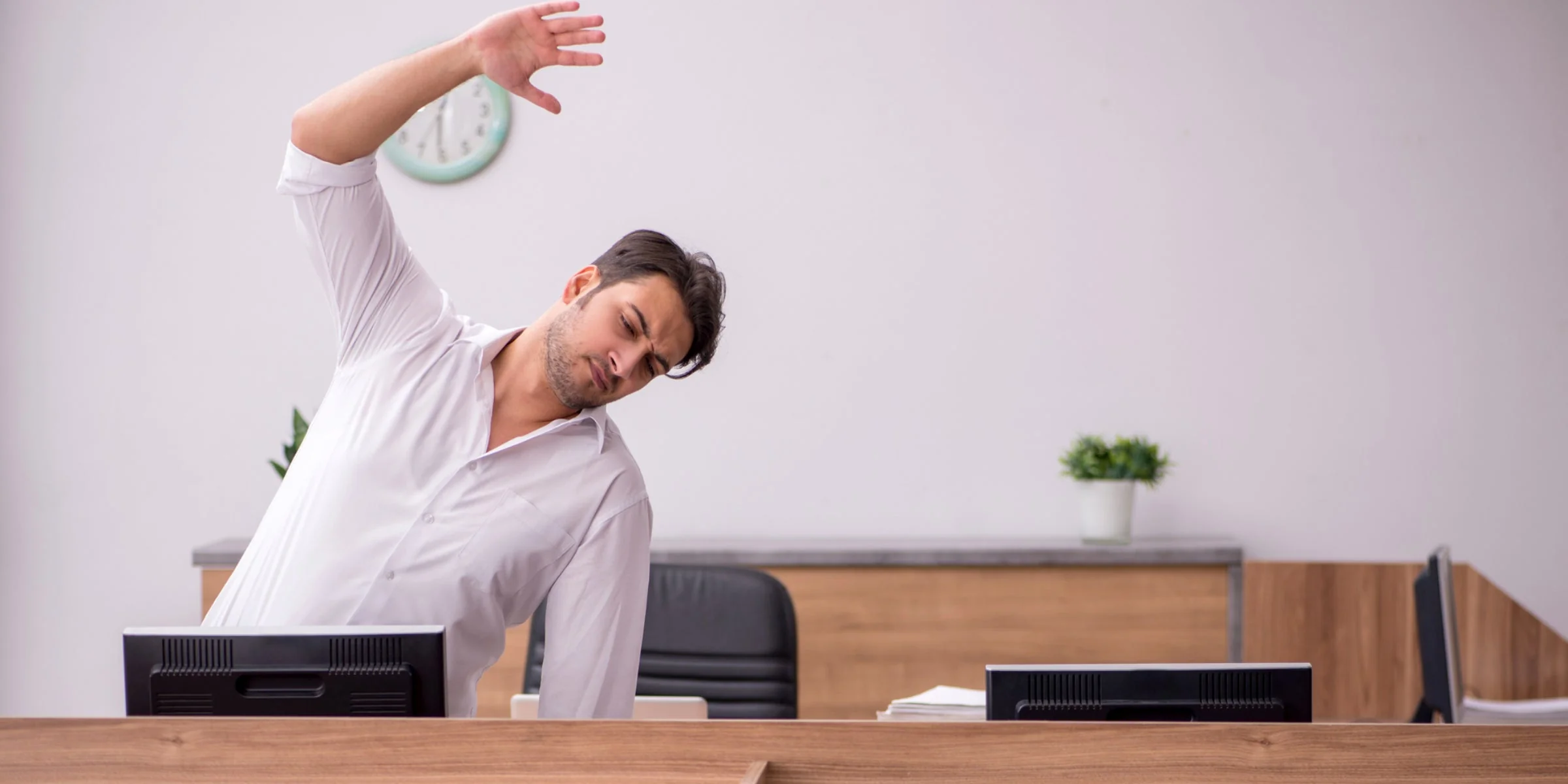
After identifying your pain points, browse routines filtered to those specific areas.
Find Matching RoutinesWe use cookies to improve your experience and analyse site traffic. By continuing, you agree to our Cookies Policy and Privacy Policy.